

Navigation
The navigation panel is located on the left side of the firmware interface and is used for quick access to all main miner management sections.
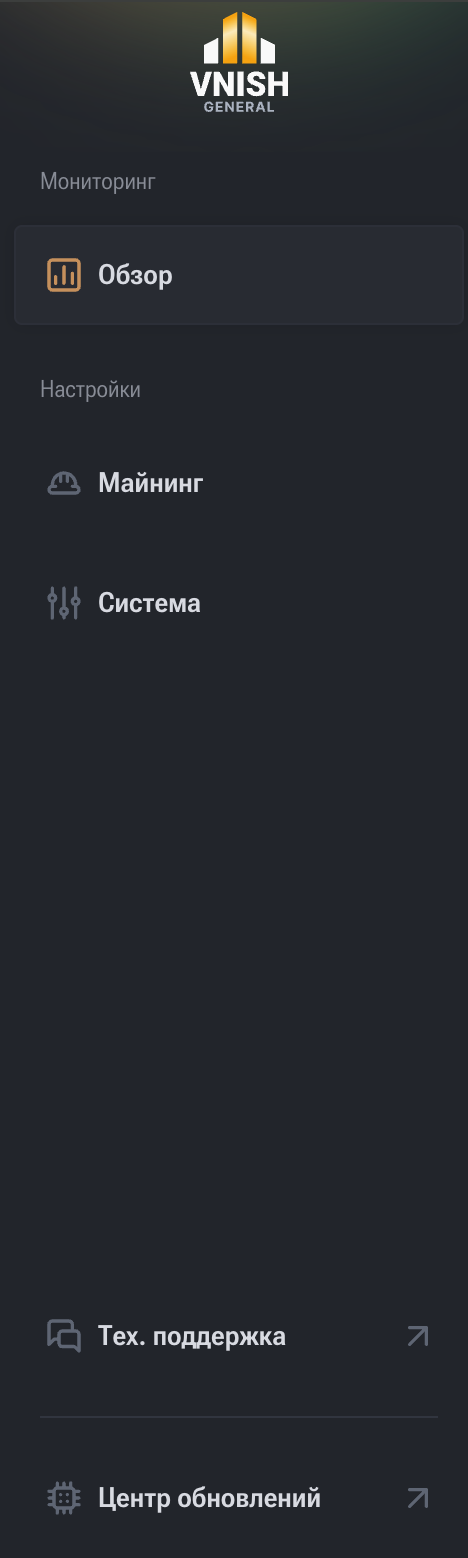
The navigation panel combines sections for monitoring, mining management, system settings, and service tools.
The main page for monitoring device status. Used for daily control of miner operation.
Displays:
- current mining status;
- total Hashrate;
- chip and cooling system temperatures;
- fan speed and operating mode;
- power consumption and power parameters;
- connected Pools and their status;
- Hashboard and chip status.
This is the operator's main screen.
Mining process settings section.
Here you can configure:
- primary and backup Pools;
- device operating mode:
- automatic,
- manual,
- immersion;
- frequencies, voltages, and profiles;
- autotuning parameters;
- performance and stability modes.
This section is responsible for the computational part of the device's operation.
Device controller system parameters.
Includes:
- device name (hostname);
- network settings:
- DHCP,
- static IP,
- DNS;
- date and time;
- API access;
- device reboot;
- factory reset;
- export of logs and system information.
Used for administration and network integration.
Service section for diagnostics and transmitting information to specialists.
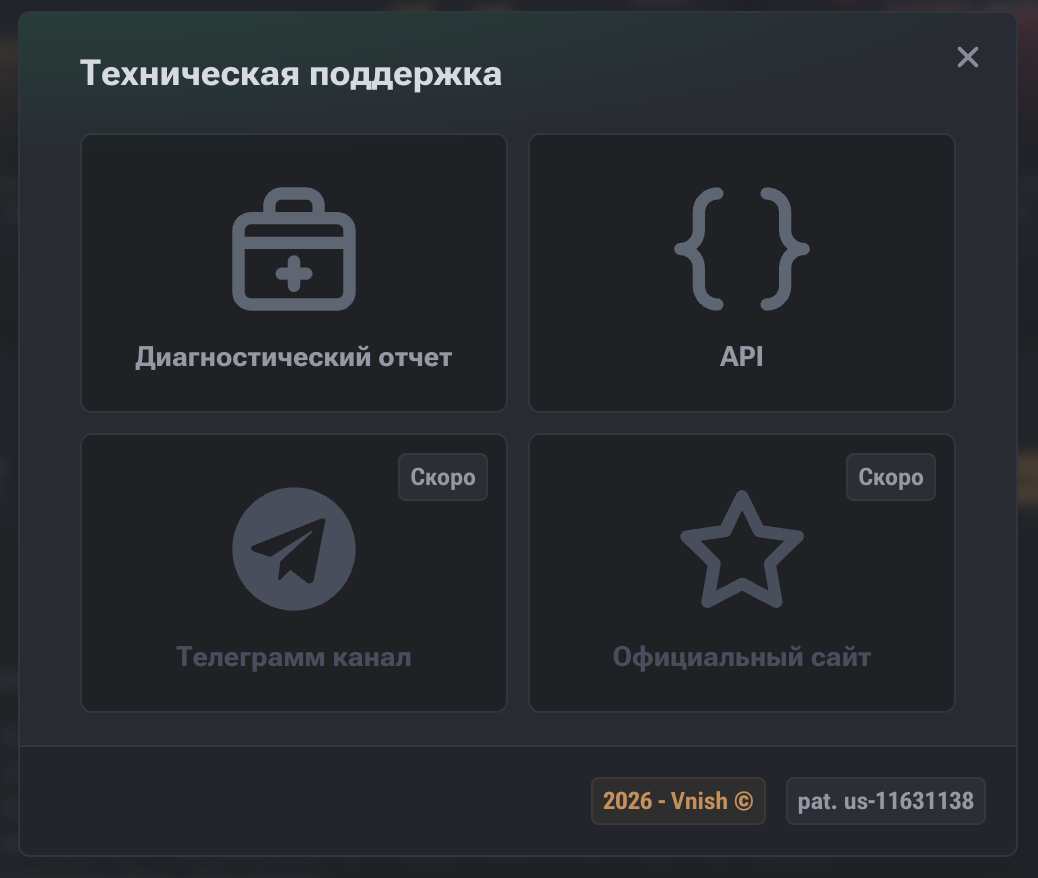
Diagnostic Report
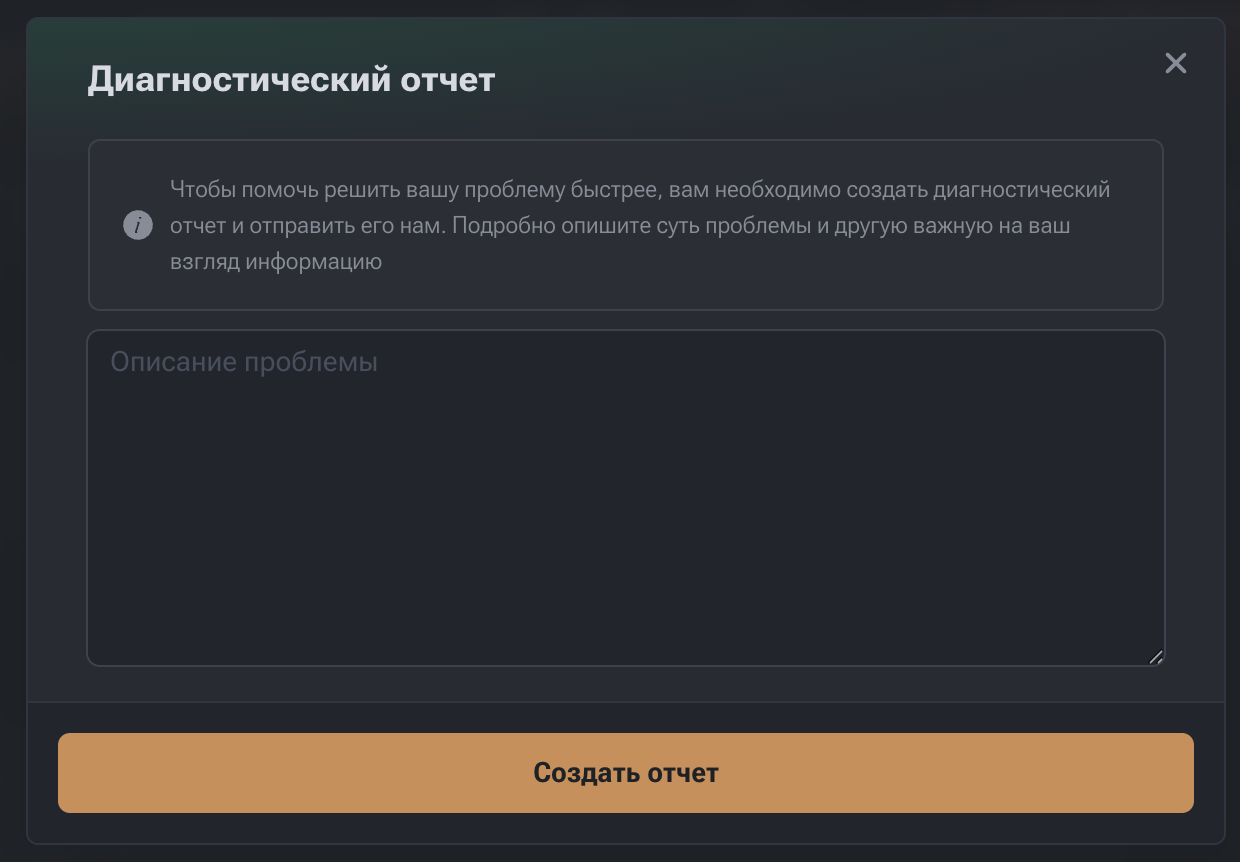
A tool for creating a complete technical report of the device.
The report contains:
- system and mining logs;
- Hashboard and chip status;
- cooling and power parameters;
- information about Pools and current settings.
Used when contacting technical support.
Section for accessing the external device management API.
Allows:
- integrating the miner with third-party monitoring systems;
- automating management;
- organizing remote statistics collection.
Designed for advanced integration.
Device firmware update section.
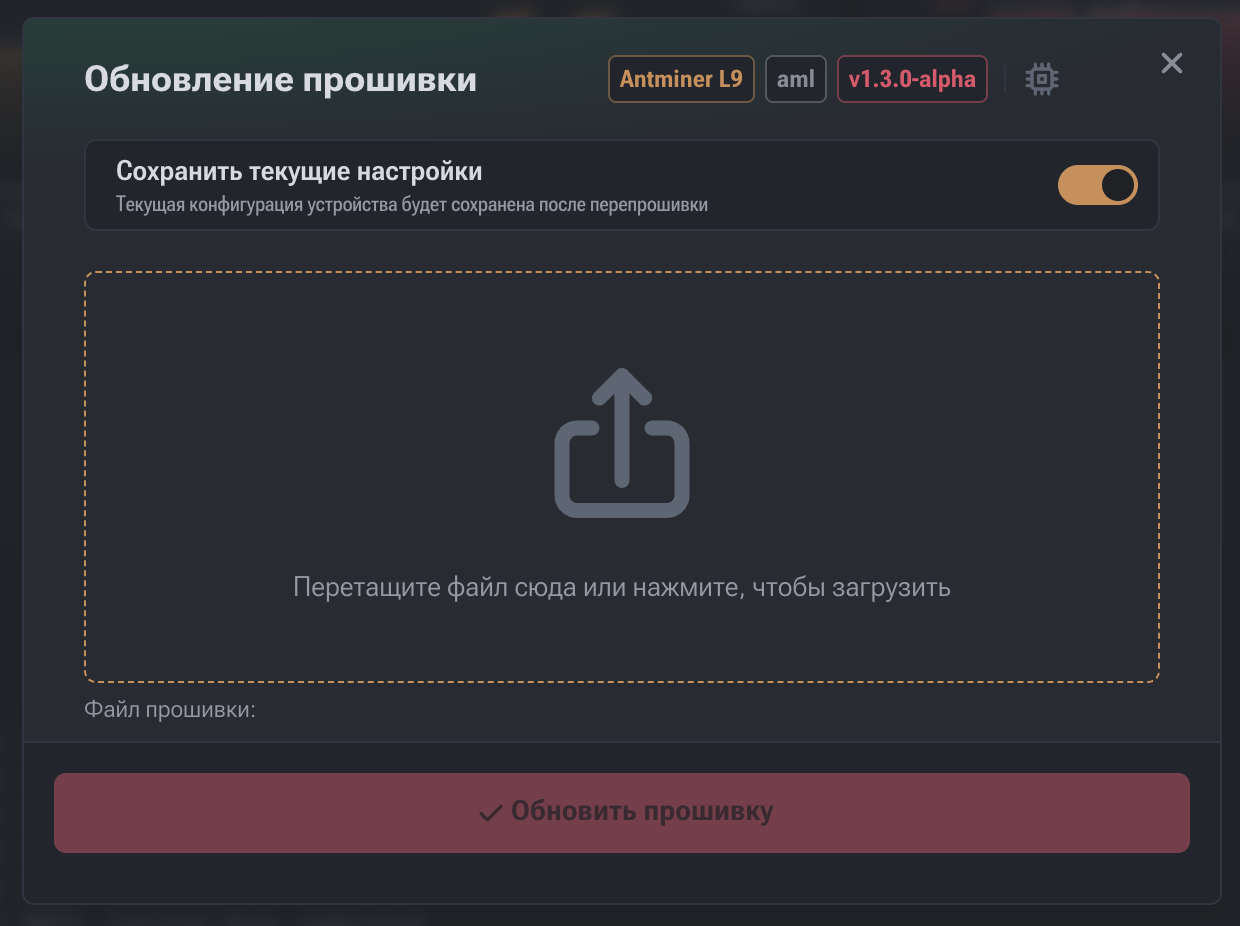
Device Information (Top Panel)
The top part of the window displays:
- device model (e.g., Antminer S19 Pro Hydro);
- controller type (e.g., Xilinx);
- current firmware version (e.g., v1.2.2-alpha).
Saving Current Settings
The "Save current settings" toggle:
- saves Pools, profiles, frequencies, voltages, network, and other parameters;
- after a firmware update, settings are automatically restored.
It is recommended to leave it enabled during planned updates.
Firmware Upload Zone
Supported formats:
.tar.gz.img
The file can be dragged into the upload area or selected manually.
After upload, the update becomes available.
"Update Firmware" Button
- inactive until a file is selected;
- activated after the file is uploaded;
- starts the update process;
- the device automatically reboots during the firmware update.