Device Management
Filtering
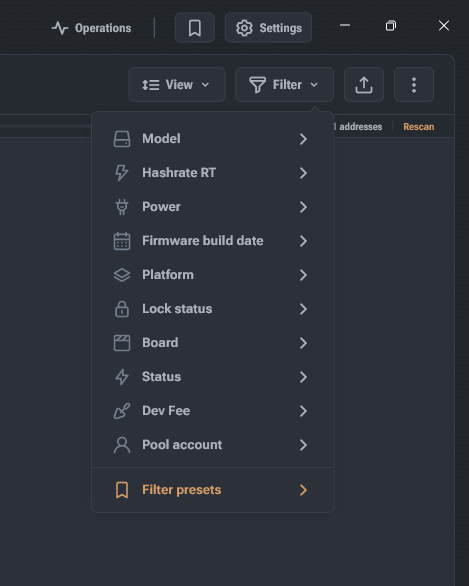
- Open the filtering menu using the Filter button or the filter icon in the quick actions panel.
- The list of filtering options is generated based on the discovered devices; the filter is not displayed if it has only one possible option.
- There are three types of filters: string option selection, numeric value input, and a toggle switch.
- To invert, use the Contains / Does not contain toggle switch.
- To change an already applied filter, click on its visual representation in the list modification status bar.
- To remove the filter, click the cross icon next to the filter's visual representation.