Device Management
Isolation
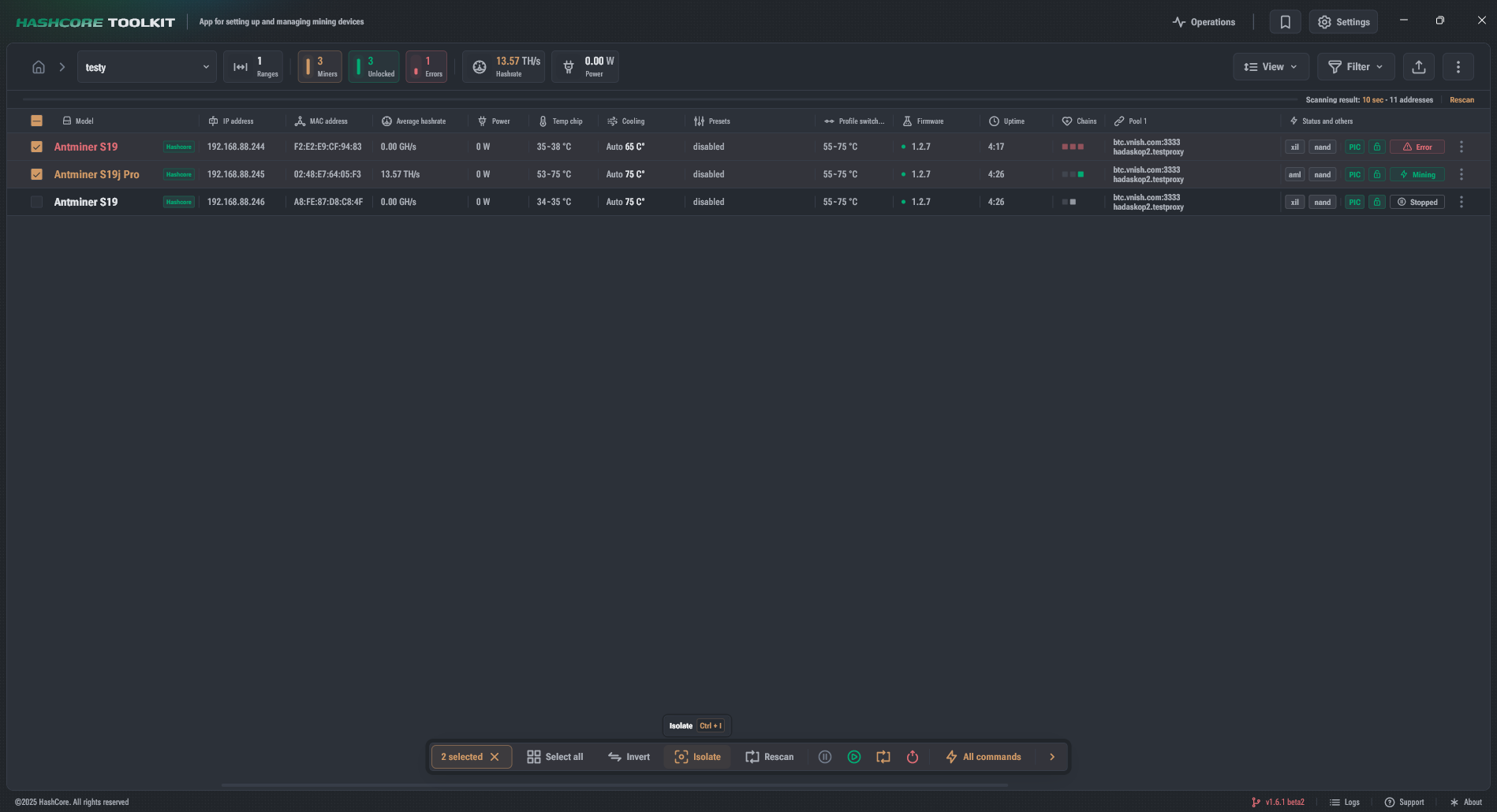
Isolation allows you to work with a subset of devices without fear of accidentally selecting other devices.
- Select devices and click Isolate in the quick actions panel or use
Ctrl/Cmd + I. - Isolation works with a list of IP addresses.
- When isolation is applied, the set of filters is reset.
- To cancel isolation, click the cross icon in the visual representation of isolation in the list modification status.