

Device Management
Filtering
The filtering system allows displaying only devices that match specified criteria.
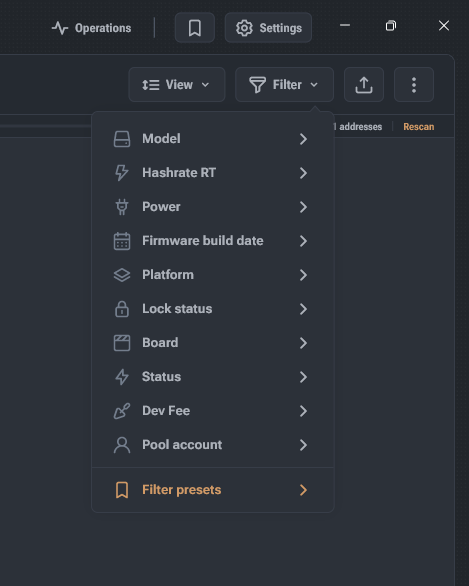
- Open the filtering menu using the Filter button or the filter icon in the quick actions panel.
- The list of filtering options is generated based on discovered devices; a filter is not displayed if it has only one possible option.
- There are three filter types: string selection, numeric value input, and toggle.
- For inversion, use the Contains / Does not contain toggle.
- To modify an already applied filter, click its visual representation in the list modification status row.
- To remove a filter, click the cross on the filter visual representation.