

Device Management
Device Cloning
The configuration cloning function allows transferring settings from one Hashcore/Vnish device to selected devices.
Toolkit allows cloning settings from one source device (Hashcore/Vnish) to selected devices (also Hashcore/Vnish).
How it works
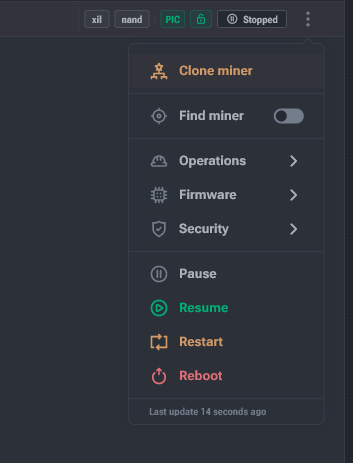
- In the device context menu select Clone miner.
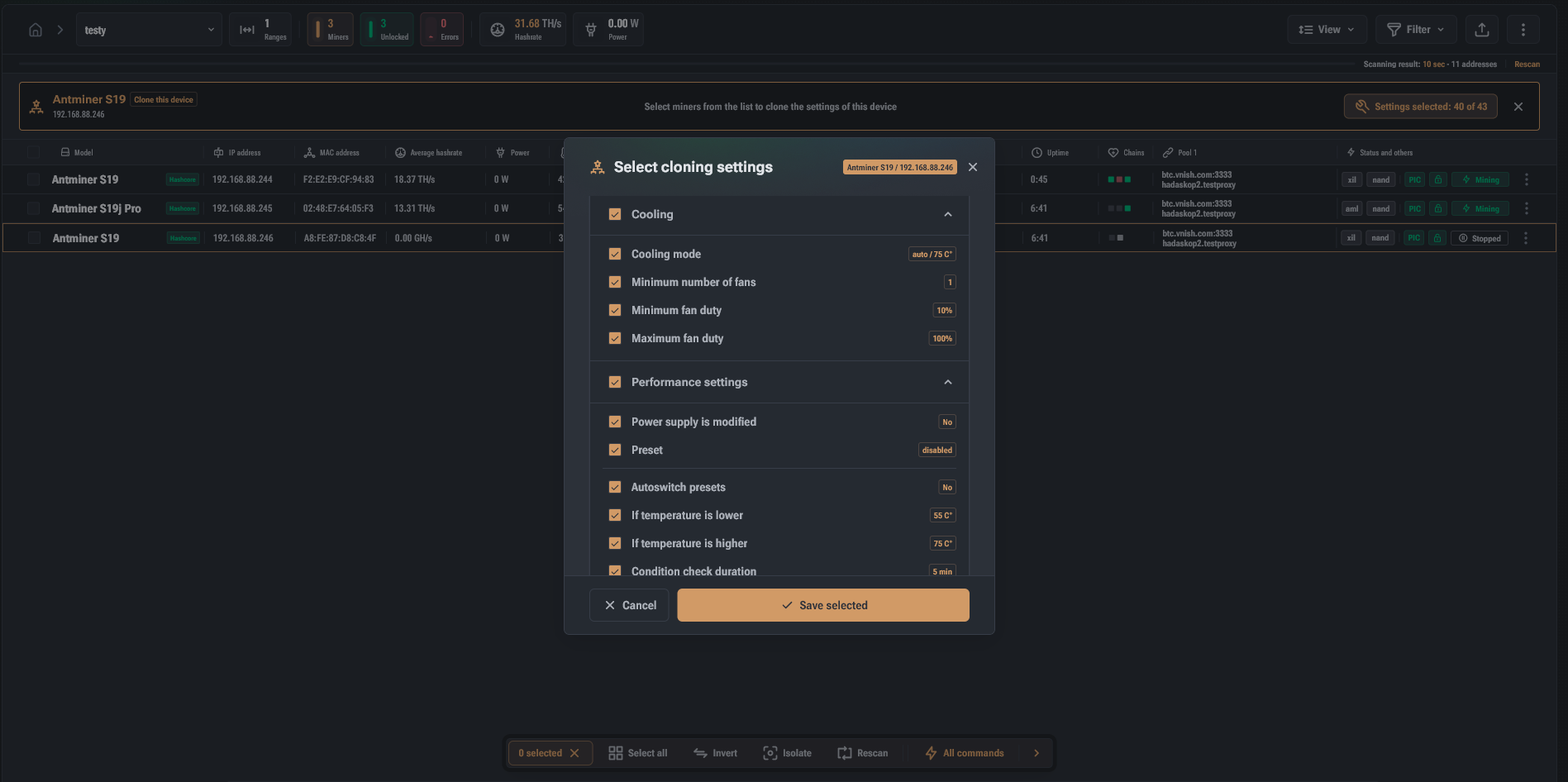
- A row with the selected source and number of settings for cloning appears at the top of the list.
- Click the counter — open the settings selection dialog.
- Select a settings set (split into 5 groups; each setting can be excluded).
- Select target devices.
- Click Clone in the quick actions panel.
