

Device Management
Isolation
Isolation allows working with a subset of devices without the risk of accidentally selecting other devices.
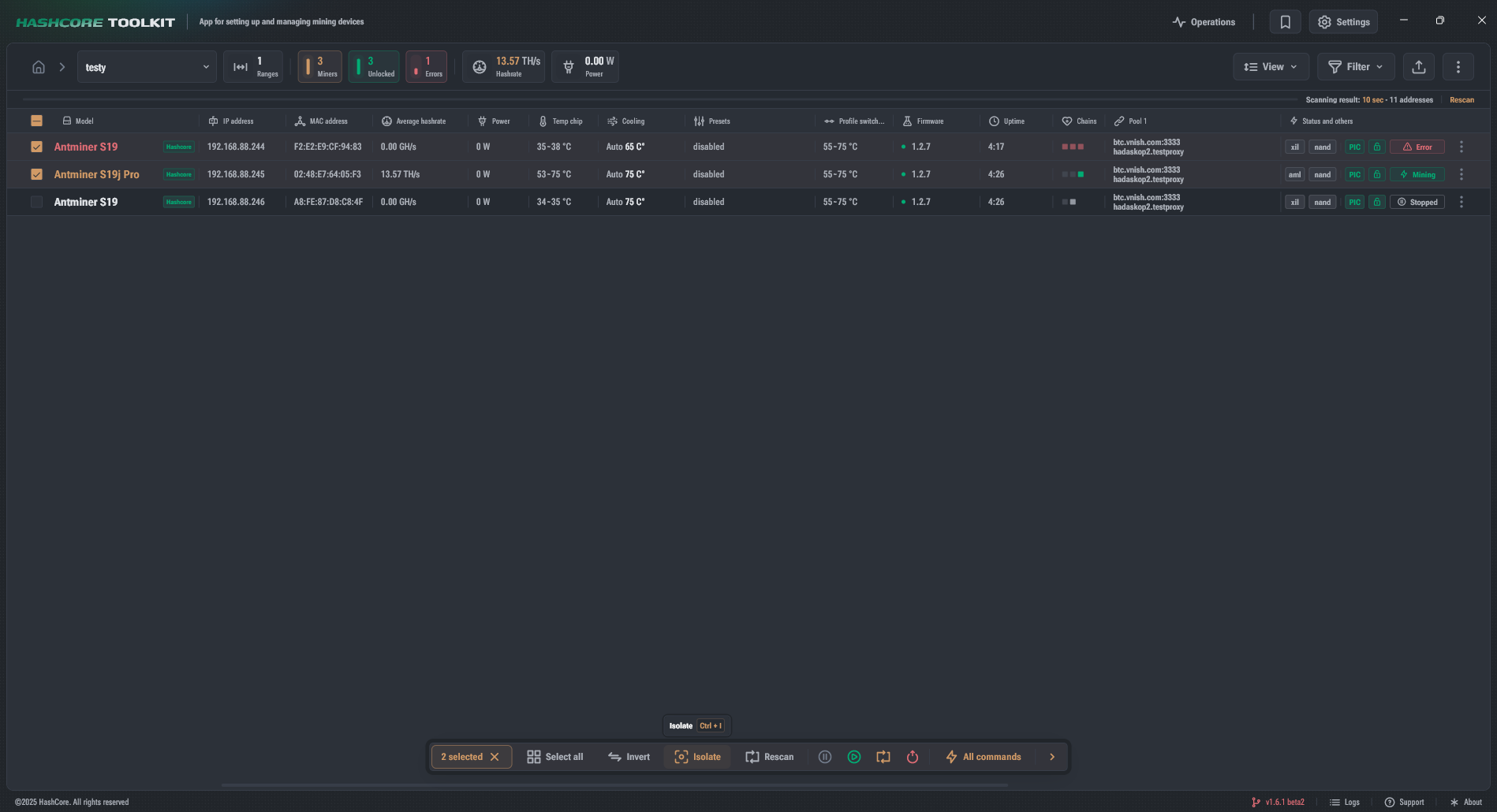
Isolation allows working with a subset of devices without the risk of accidentally selecting other devices.
- Select devices and click Isolate in the quick actions panel or use
Ctrl/Cmd + I. - Isolation works with a list of IP addresses.
- When isolation is applied, the filter set is reset.
- To cancel isolation, click the cross in the isolation visual representation in the list modification status.