

Monitoring
Network Group Scanning
Polling address ranges to build the device list.
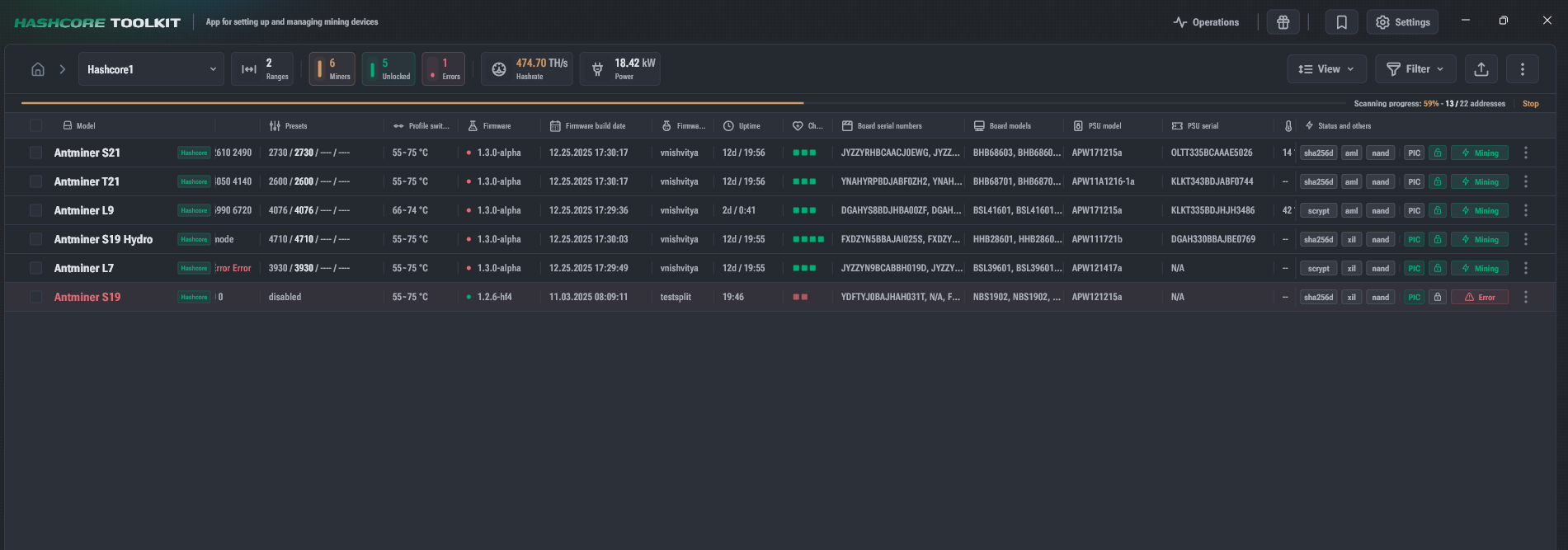
To build the device list, Toolkit polls address ranges of the specified network group and adds detected supported devices to the list.
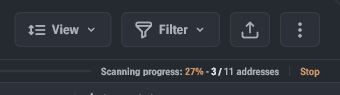
Scanning progress
- Displayed at the top of the window.
- Shows the number of polled addresses:
- in absolute values
- and in percentages
Hashcore firmware auto-recovery for CVITEK (optional)
- After group scanning is completed, Toolkit starts the Hashcore firmware recovery process for CVITEK platforms.
- The process runs only for Bitmain devices with factory firmware.
- Can be skipped if the corresponding network group setting is disabled.
- Enabled by default.
Scan result
- Displayed to the right of the progress bar:
- elapsed time
- number of scanned addresses
- The more addresses in the group that are unused or occupied by incompatible devices, the longer the scan takes.
Statistics update vs scanning
- The progress bar also shows the status of statistics update.
- Unlike scanning, statistics update:
- does not request rarely changing data (for example, model or firmware version),
- polls only addresses where devices were already found.