

Monitoring
Monitoring Mode
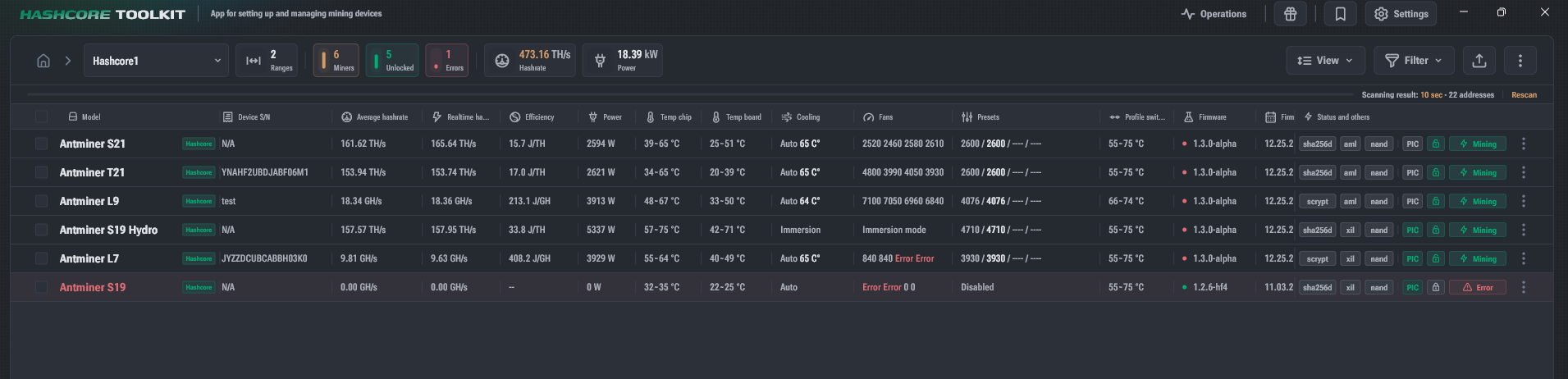
Monitoring mode uses special data modes:
- Hashrate
- Temperatures Color Coding in "Hashrate" Mode
- Gray — Offline / Stopped
- Green — Mining
- Yellow — Initializing / Starting / Auto-tuning
- Red — Restarting / Shutting Down / Error
The tile displays the Hashrate in TH/s.
Color Coding in "Temperatures" Mode
- Gray — no data received
- Green — ≤ 70°C
- Yellow — ≤ 90°C
- Red — ≥ 90°C
The tile displays the maximum chip temperature.