

Monitoring
Column Configuration (Customization)
Display of metrics can be configured via:
- Menu:
View → Columns - View customization button on the quick access panel (icon with view/column settings)
In the opened menu, you will see a list of metrics (columns) that can be enabled/disabled and reordered.
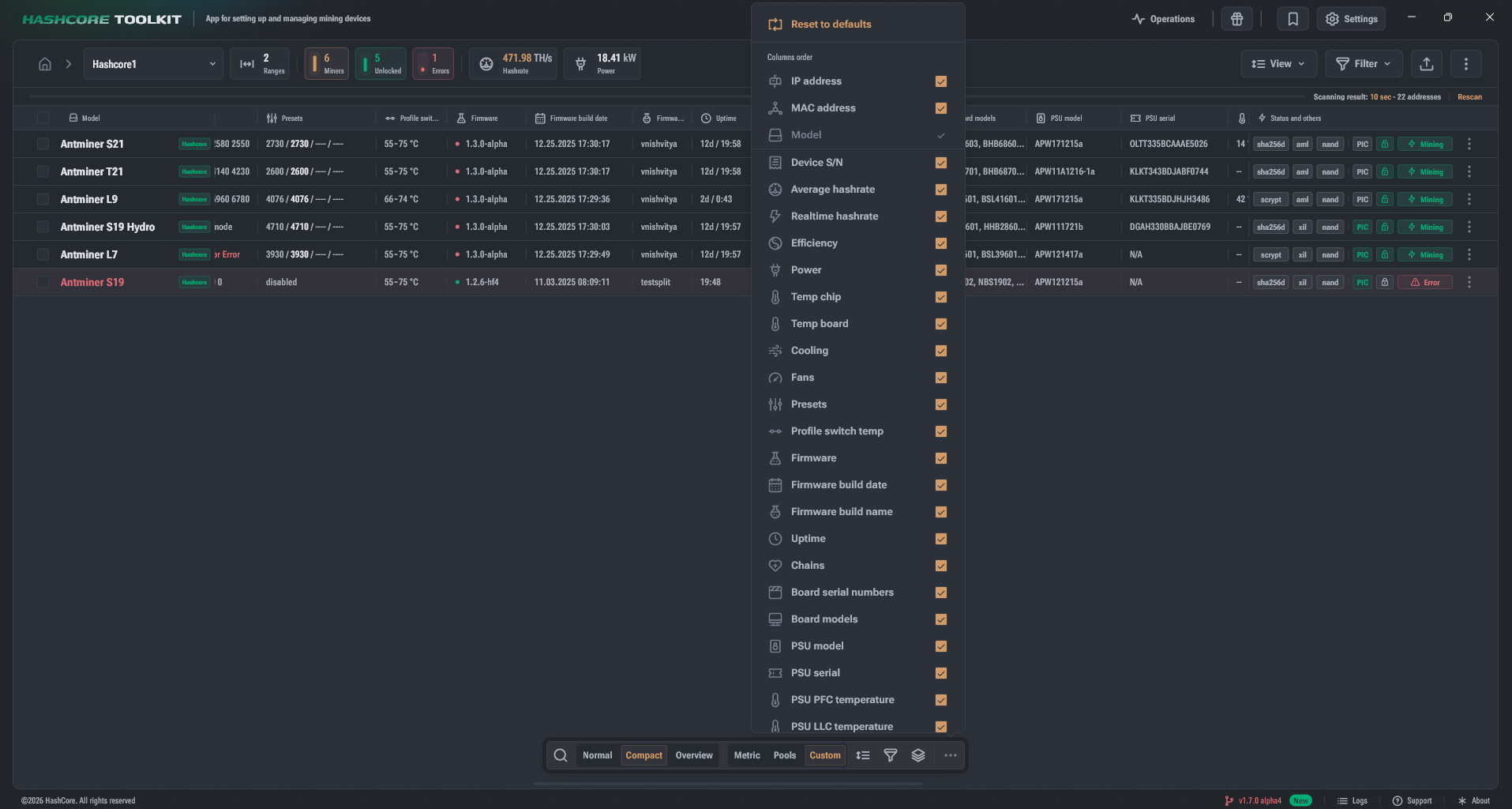
Reset to Default Settings
At the top of the menu, there is an action Reset to defaults.
Reset usually restores:
- the standard set of enabled columns;
- the standard order;
- the basic "recommended" configuration for the current display mode.
Column Order
- Columns can be dragged and dropped (Drag&Drop): when hovered, the icon changes to a move indicator.