

Monitoring
Network Group Scanning
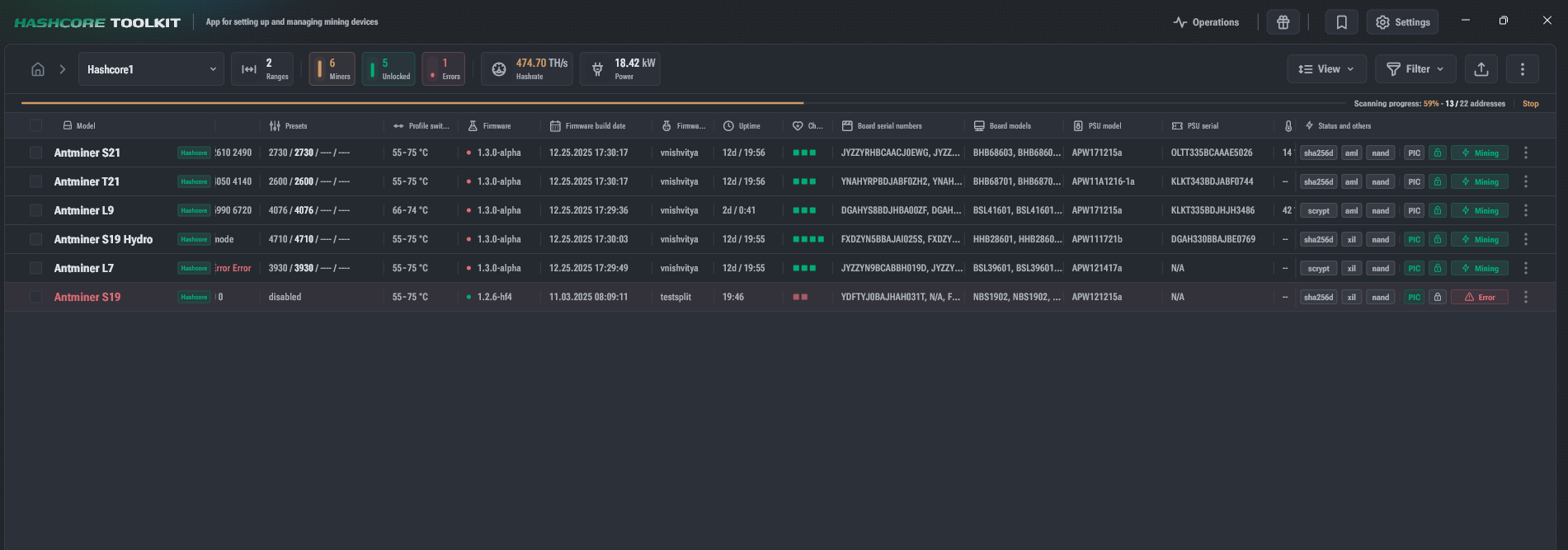
To build the device list, Toolkit polls the address ranges of the specified network group and adds supported devices to the list when found.
Scanning Progress
- Displayed at the top of the window.
- Shows the number of polled addresses:
- in absolute values
- and in percentages Hashcore Firmware Auto-Recovery for CVITEK (Optional)
- After the group scanning is complete, Toolkit starts the process of Hashcore firmware recovery for CVITEK platforms.
- The process is launched only for Bitmain devices with factory firmware.
- Can be skipped if the corresponding network group setting is disabled.
- Enabled by default. Scanning Summary
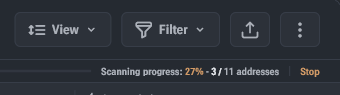
- To the right of the progress bar, the following are displayed:
- time spent
- number of scanned addresses
- The more addresses in the group that are unoccupied or occupied by incompatible devices, the longer the scan will take.
Statistics Update vs. Scanning
- The progress bar also shows the status of statistics updates.
- Unlike scanning, statistics updates:
- do not request rarely changing data (e.g., model or firmware version),
- poll only addresses where devices have already been found.