

Downgrade or Factory Firmware Recovery
Restoring factory firmware via SD card or USB drive.
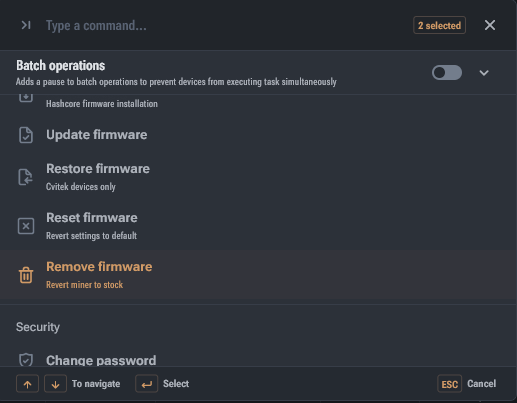
When downgrading or restoring factory firmware, it's important to consider the control board type, as methods may differ. For example, boards with an Amlogic processor may require an OTG adapter and flashing via Micro-USB, while boards with Xilinx and CVITEK processors can be flashed via the SD card slot.
Instructions
- Select and download the appropriate firmware for your miner.
- Format the SD card or USB drive in FAT or FAT32 format.
- Copy the firmware files to the SD card or USB drive.
- Remove the media from the computer and insert it into the powered-off miner.
- Power on the miner and wait for the green LED indicator, which signifies successful completion of the procedure.
- Power off the miner and remove the SD card or USB drive.
Media requirements
Media requirements: SD card up to 16 GB. USB drive up to 8 GB. USB 2.0 is recommended.
If you're unsure which firmware is needed for your control board, first review the article "Control Board Types".
Important: the installation or recovery process cannot be interrupted by power disconnection or media removal. This can damage the low-level firmware, making recovery possible only at a service center.
If the version hasn't changed after flashing, clean dust from the SD card slot or USB port and try a different media.