

Downgrading or Restoring Factory Firmware
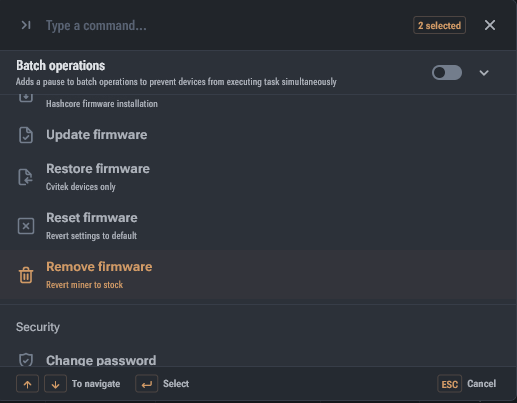
When downgrading or restoring factory firmware, it's important to consider the type of control board, as methods may vary. For example, boards with an Amlogic processor may require an OTG adapter and flashing via Micro-USB, while boards with Xilinx and CVITEK processors can be flashed via the SD card slot.
Instructions:
- Select and download the appropriate firmware for your miner.
- Format the SD card or USB drive to FAT or FAT32.
- Copy the firmware files to the SD card or USB drive.
- Eject the media from your computer and insert it into the powered-off miner.
- Power on the miner and wait for the green LED to light up, indicating successful completion of the procedure.
- Power off the miner and remove the SD card or USB drive.
Media requirements: SD card up to 16 GB. USB drive up to 8 GB. USB 2.0 is recommended.
If you are unsure which firmware is needed for your control board, first refer to the article "Control Board Types".
Important: Do not interrupt the installation or restoration process by disconnecting power or removing the media. This can lead to damage to the low-level software, and recovery will then only be possible at a service center.
If the version has not changed after flashing, clean the SD card slot or USB port of dust and try different media.