

Who is this product for
- Do not use Pulse as the sole tool for managing critical infrastructure
- Before performing mass operations (reboot, firmware update, pool change), ensure you have a backup method to access the devices
- If you discover errors or unstable behavior, report them to HashCore support
We are actively working on stabilizing the platform and release updates regularly. Follow the What's New section for information on changes in each version.
HashCore Pulse is an enterprise platform for monitoring and managing industrial mining equipment. The product is designed for teams responsible for the uninterrupted operation of ASIC device fleets.
Mining Farm Operators
They manage thousands of devices across one or more sites. They use Pulse for daily monitoring of hashrate and consumption, performing group operations — reboots, pool changes, firmware updates — and promptly responding to incidents without physical presence on site.
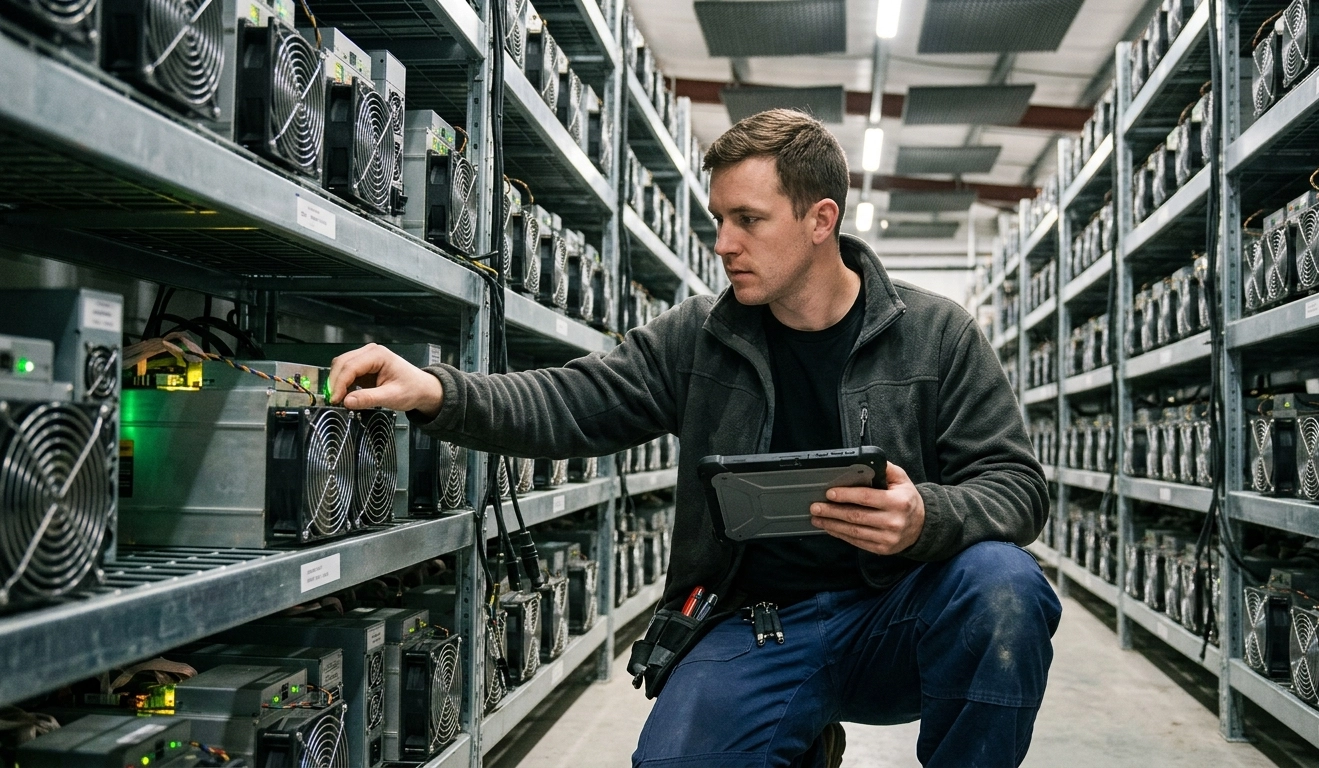
Technical Specialists and Administrators
They service equipment on site. They use Pulse for device diagnostics, board and cooling management, physical identification of miners via IP Reporter, and downloading diagnostic reports for submission to support.
Mining Hotel Operators (Hosting)
They manage client equipment on shared infrastructure. Pulse allows for access differentiation by site, profitability control considering electricity costs, and providing transparent reporting to clients.
Business Owners and Executives
They do not directly engage in operational management but require an up-to-date picture of profitability and fleet status. They use the dashboard to monitor key metrics — hashrate, revenue, consumption, and site utilization.

What unites all users
- A fleet of tens to hundreds of thousands of ASIC devices
- Working with equipment from various manufacturers: Bitmain, MicroBT, Canaan, Innosilicon, HashCore Firmware
- The need for centralized management without having to access each device's interface